It doesn't know how your project works, what you decided last week, or which problems were already solved. When you switch tools, whatever the last one learned stays behind.
Agent Blueprint gives the agent one way of working, the same in all eight tools. The method lives in 53 skills. What the agent learns lives in your repository, in AGENTS.md and under docs/, where the next tool finds it.
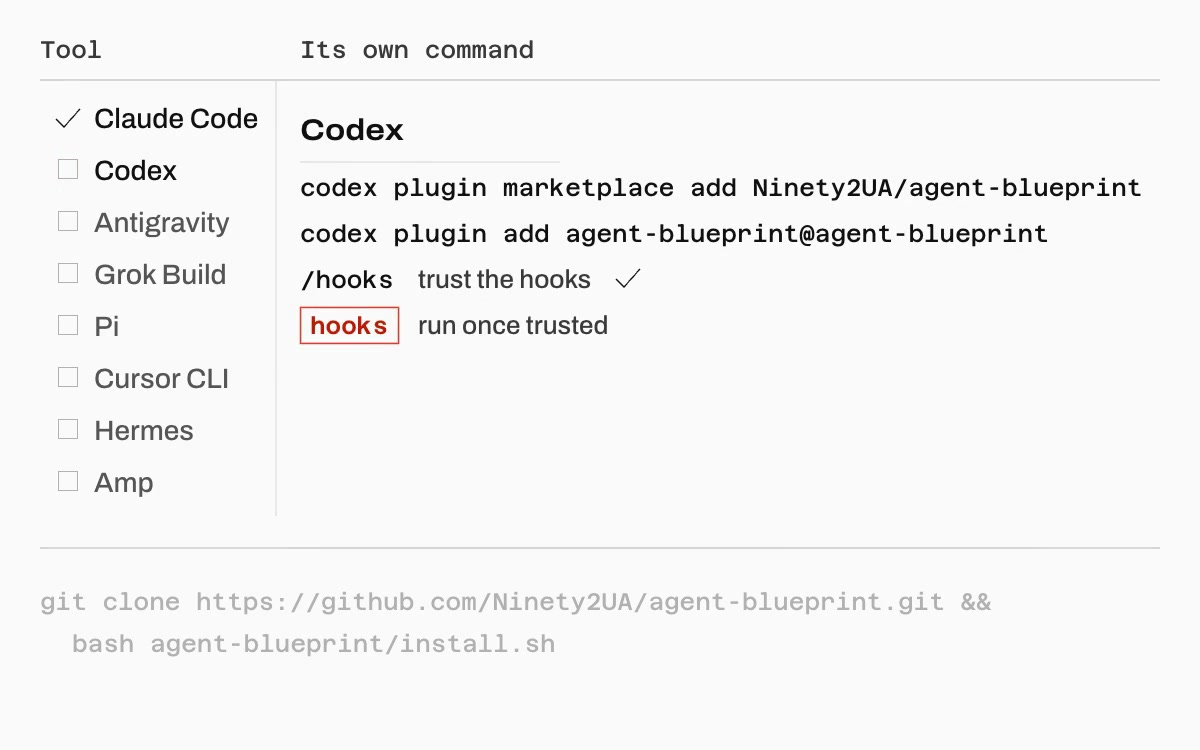
One skills/ folder, read by eight tools. Hooks are optional: Claude Code gets 10 hook handlers and Codex 5, and the other six run every pipeline without them.
The approved design becomes tasks that record decisions: file paths, each test and what it asserts, signatures and a review focus. You read the saved plan before anything runs.
Helper prompts at this stationplan-checker, pattern-mapper
Narrow reviewers run in parallel, then the change is fixed and reviewed again until the findings converge. Nothing is called done without fresh evidence.
Helper prompts at this stationcode-reviewer, security-sentinel, findings-validator, findings-synthesizer
One example feature, from the first request to the pull request, then what the next session keeps from it. Pick a chapter to jump to it. The film has no sound.
0:00 of 0:59
IdeaThe cover sheet: the example request and the index of the sheets that follow.
Figure
2
Title
One feature, idea to pull request
Example
Add CSV export to the reports page (invented)
Length
0:59
Frame
1920 × 1080
Sound
None
53 skills, sorted by phase.
Twelve to start with. Every name starts with ab-, which keeps them apart from other skill packs in a shared skills folder.
30 helper prompts live inside the skills that use them. A security review or a plan check runs in its own context, with only the inputs its prompt file names. Reviewers never see the author's claim that the work is correct.
Where a tool has no subagents, the main session follows the same file and returns the same Output section.
2
Evidence before any "done".
ab-verification-before-completion runs before anyone says tests pass, a build succeeds or a bug is fixed.
Names
The output that would prove the claim false
Runs
The full verification command, now
Reads
Its output and exit code
Ignores
A run from an earlier message
3
Reviews run until findings converge.
ab-iterative-refinement reviews, fixes and reviews again. You choose where it stops; three rounds at most by default.
Fig. 3Two review passes, until no P1 is left
fast
Stops when no P1 finding is left
deep
Stops when no P1 or P2 is left
perfect
Stops when no finding is left
4
What one session learns, the next one reads.
ab-knowledge-compounding files each solved problem with its search terms. ab-session-wrap rewrites the status notes at the end of a session, and ab-resume-session reads them back and checks whether HEAD moved in between.
Fig. 4Claude Code hands off to Codex
AGENTS.md
conventions every tool reads
docs/context/STATUS.md
written by ab-session-wrap, read by ab-resume-session
docs/solutions/
solved problems from ab-knowledge-compounding
docs/plans/
approved designs and their plans
Ship a feature with nobody watching.
The ship runner drives ab-ship-pipeline through your tool's headless mode and pushes nothing until its own secret scan has passed.
Claude Code runs with --permission-mode auto.Codex runs workspace-write with network on. Where it cannot write to .git, the skill leaves the work uncommitted and the runner commits after each iteration.Antigravity can only run unguarded, so the runner asks for --allow-unguarded before it starts. The agent then holds your git and gh credentials.Grok Build runs with --always-approve --sandbox workspace.Pi can only run unguarded, so the runner asks for --allow-unguarded before it starts. The agent then holds your git and gh credentials.Cursor CLI runs with --force --sandbox enabled.Each tool runs with the least privilege that still finishes a run. Add --dry-run first to see the preflight and the command.Amp can only run unguarded, so the runner asks for --allow-unguarded before it starts. The agent then holds your git and gh credentials.
<checkout> is a clone of the repository. If you installed with your tool's own command, ask for ab-ship-pipeline in a session and it prints the command with the installed path.
Fig. 5The ship runner, a fresh session per iteration
1
Preflight
Checks the tool is installed and signed in, records the remote and branch it will push to, and refuses the default branch.
each iteration2
A fresh session
Every iteration is a new headless session with a clean context. Between them the runner reads .agent-blueprint/run/state.json.
3
Finish check
Printed text never ends a run. The state file must say done, with new commits, a pull request body and a provenance record.
4
Secret scan
Every commit the push would publish, their messages and the pull request body, including any .env file a commit added.
5
Publish
Pushes exactly the commit it scanned to the recorded remote and branch, then opens or updates the pull request.